OnPay.io WordPress Checkout Plugin
Cards and local payments via the OnPay.io hosted payment window (Denmark).
Everything you need to know
About OnPay.io
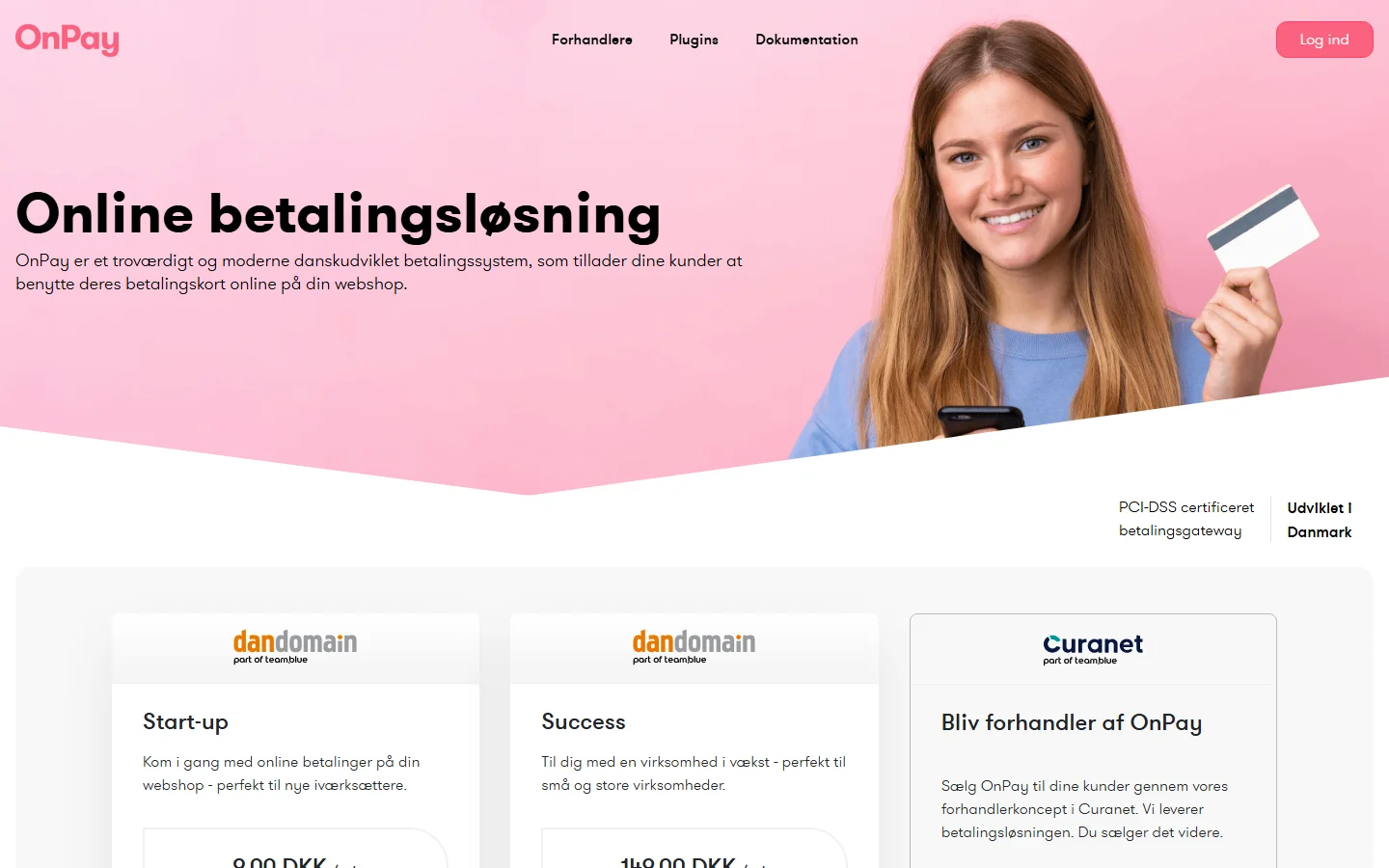
OnPay.io is a Danish payment gateway offering cards and Nordic methods with a simple setup.
What OnPay.io supports
Cards and local payments via the OnPay.io hosted payment window (Denmark).
- Payment methods: Cards, MobilePay, Apple Pay, Google Pay
- Where it works: Denmark and the Nordics
- Billing: one-off payments
- Price: free for every PremiumPress member
Setting up OnPay.io in PremiumPress
Activate the free plugin, then open your theme’s payment settings and add your OnPay.io credentials:
- Gateway ID — OnPay → Settings → Payment window. Sent as onpay_gatewayid.
- Window secret — OnPay → Settings → Payment window → HMAC/secret. Signs the request and verifies the return.
Amounts are sent in minor units (e.g. øre/cents). Set the callback URL in OnPay to the endpoint shown above; payment is confirmed by the signed return and OnPay’s callback. The plugin requires PremiumPress 12.
OnPay.io plugin FAQ
What do I need to set up OnPay.io in WordPress?
You'll need a OnPay.io account and its Gateway ID and Window secret, which you enter in your PremiumPress theme's payment settings. The plugin itself is free for members.
Does OnPay.io support recurring subscriptions?
OnPay.io handles one-off payments in PremiumPress. If you need recurring billing, choose a gateway shown under the Subscriptions filter on the plugins page.
How does the OnPay.io checkout work?
Real one-time payments via the OnPay hosted payment window, with an HMAC-SHA1 signed auto-submitting redirect and signed return + callback verification.
Plugin Details
- Price
- Free
- Version
- 1.0
- Downloads
- 1,369
- Provider
- Website
Docs, guides & discussion
Official OnPay.io WordPress Checkout Plugin documentation, plus community threads and video walkthroughs.